

Think of a Swiss watchmaker’s lathe that also fucks. You feed it a prompt the way a craftsman feeds steel stock, dial the style, pose, quality, and negative constraints, and it turns out the exact piece you described, photoreal, anime, hyperreal, hardcore XL, then lets you animate it, extend the clip, or drop the same face into chat that remembers the kink. That is the core of any honest promptchan review: not another chatbot with a pretty avatar bolted on, but a full uncensored studio where image, video, and companion live on the same workbench. It is for the adult who already knows what he wants and wants the tools to make her move, talk, and stay consistent without the corporate gag.
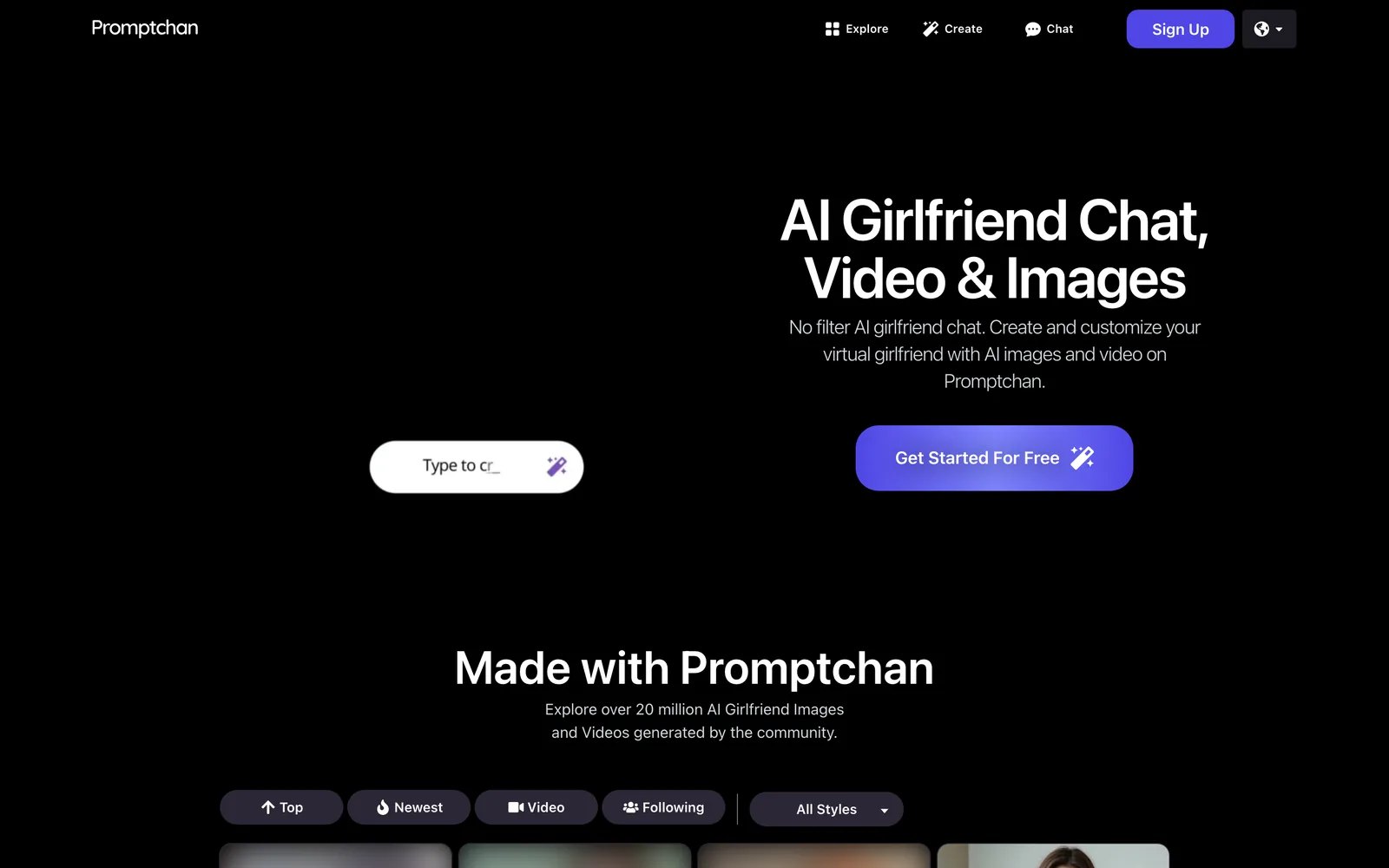
You land on the homepage and the pitch is immediate: AI girlfriend chat, video, and images, no filter. Over twenty million community creations sit right there as proof. Click Get Started or Sign Up. No card. Free daily Gems drop into the account so you can generate, chat, and browse the gallery the same session. The Create page is the main bench. Explore is the endless scrap bin of other people’s finished work. Chat is the voice booth. Apps exist for iOS and Android if you want her in your pocket. Safe Mode sits on by default for the cautious; kill it in settings when you are ready for the real feed.
Twenty Million Creations and the Create Bench That Runs a Full Promptchan Review
The Create page is where the metal meets the tool. You write a plain-language prompt, character, setting, lighting, action, and a negative prompt up to a couple hundred characters for the garbage you refuse (extra limbs, watermarks, the wrong vibe). Style presets cover the waterfront: Cinematic, Anime, Hyperreal, Hyperanime, K-Pop, Fur, Furtoon, then the XL and XL+ tier, Render XL+, Illustration XL+, Anime XL, Anime XL+, Hardcore XL, Cinematic XL, Photo XL+, Hyperreal XL+, Hyperreal XL+ v2, Photo XL+ v2. Filters stack on top: Studio, Flash, Analog, Polaroid, Vintage, Manga, Cyberpunk, VHS, Pixel XL, Comic XL, Retro Porn XL, Fire Style, 3D, Sketch, Watercolor, Lineart, Moody, Oil Painting, and more. Emotions run from Smiling and Laughing through Winking, Shocked, Orgasm Face, Stick out Tongue. Pose and composition controls lock the framing so she does not invent a new body every time. Sliders dial weight, breast, ass, detail. Age slider bottoms out at eighteen, as it should. Creativity slider decides how tightly the model clings to your words versus how much liberty it takes. Seed for lock-in when you want the same face again. Quality tiers sit separate: Ultra for speed and thrift, Extreme for real detail, Max for the top end. Face restoration is there when you need it on the realistic styles.
Hit generate. Results land in front of you. Tweak lets you describe a small change, different outfit, lighting, background, without starting from zero. AI Character mode pins a consistent face and body across a series so the woman you just made stays the same woman when you move her to the next scene or into chat. Clone anything from the Explore gallery in one click: prompt and settings load straight into the generator, then you rewrite as little or as much as you like. Private generation keeps your work out of the public feed on paid plans. Image sizes start at the common 512 base footprints and scale with the higher quality and Pro tools. Upscaling lives on the top tier. The whole loop is built for iteration: generate, tweak, clone, lock the character, generate again. It feels less like rolling dice and more like working metal until the surface is exactly right.
The gallery is the other half of the machine. Over twenty million images and videos, free to browse and search, filterable by anime versus photorealistic and more. Every shared piece can show the prompt and settings that made it. One-click clone turns someone else’s finished work into your starting billet. It is the fastest education in what actually lands and the quickest way to stop staring at a blank box. Featured and community feeds keep adding. You can publish your own or keep it locked private.
That combination, structured prompt control plus an ocean of cloneable recipes, is why the generation side feels like a proper workshop instead of a slot machine. The models handle explicit content without the usual corporate flinch. Anatomy holds up better than most once you learn the negative prompt and the quality dial. Skin reads like it has been paid attention to. Fabric and light behave. Consistency across a set is the real luxury: same face, same body, different pose or outfit, ready for the next shot or the chat window.
Full-Length AI Videos, Extend, and the Motion That Keeps Going
Video is the second major station on the bench, and it is where Pro earns its keep. Two routes: flip the Image/Video switch and write a text-to-video prompt that describes movement, “she turns toward the camera and smiles,” “wind through her hair,” “slow pan”, or take any still you already made (or cloned from Explore) and hit Animate. Motion can sit on Auto or take a direct prompt. Orientation locks to portrait, wide, or square. Sound is optional for atmosphere. Quality dials the same way as images. The clip renders in the background so you can keep working; progress sits in its own panel. Finished videos drop into your feed.
Extend is the feature that turns a short hit into something you can actually watch more than once. Keep the same pose for seamless continuation, switch to a new pose, or freestyle the next beat with a fresh description. Full-length AI videos plus Extend sit on the Pro plan. Clips are temporary, download or publish what you want to keep, because the temporary ones clear after twenty-four hours. Cost is shown on the button before you spend Gems; higher quality, sound, or a locked character burns more. The result is not Hollywood runtime, but it is coherent motion of the woman you already built, not a random loop. Animate a still from chat or Create, extend it, and you suddenly have a short reel instead of a single frame. That closes the loop between still fantasy and something that moves.
Chat Mode, Story Mode, Voice, and the Companion That Stays in Character
Chat turns the same character into someone who talks back. Discover feed is the ready-made roster: companions with looks, personalities, backstories, and opening lines. Filter, tap, start. Or build your own, name, appearance (describe or pull from a generated image), personality, scenario (dozens of prewrites), interests, background, sexuality, opening line. Pro unlocks the full builder with advanced appearance controls and the ability to seed a character straight from your own generated images so the face matches what you already jacked it to.
Two conversation modes. Chat feels like texting, natural back-and-forth. Story mode turns it into directed scenes: you set the action, she writes the next chapter. Switch when the mood changes (history clears on the flip). Models include deeper immersive options and faster breezy ones. She stays in character. Memory holds across the exchange. Mid-chat you can hit Create image from scene and get a still pulled from the exact context, outfit, setting, mood, without leaving or re-prompting. Pick the AI Character model so the likeness carries.
Voice seals it. Assign a voice (a couple free, more on paid). Voice messages cost 1 Gem. Live voice calls cost 2 Gems and sit in the header like a real call. She speaks. You answer. The conversation can get filthy, tender, or both without the filter slamming shut. Custom characters on Pro mean the woman whose body you spent an hour dialing in on Create is the same one moaning in your ear and posing for the next image. That closed circuit, generate her, animate her, talk to her, generate the moment you just described, is the real product. It is not a chat app with pictures glued on. It is one continuous dirty workshop.
Gems, the Free Daily Allowance, and What Plus, Premium, and Pro Actually Unlock
Gems are the fuel. Every account gets a free daily allowance with no card required, enough to test image generation, sample chat, and browse-clone the gallery. Paid plans add a monthly Gem pile plus priority queue access and the good toys. Plus is $14.99 a month for 100 Gems, high quality, basic styles and features, AI chat, priority, and 50 percent off extra Gem packs. Premium is $23.99 a month for 400 Gems, more styles and features, the same priority and discount. Pro is $33.99 a month for unlimited casual (slower) generations plus 800 Gems, full-length AI videos with Extend, custom characters, Max quality, all styles and features, AI chat plus voice call, and the 50 percent Gem discount. Promotional pricing shows up at checkout from time to time. Cancel any time; the period runs out clean.
Base image generation sits around a Gem or so; Extreme quality adds one, Max adds two. Face restoration adds another. Voice message 1, call 2. Video costs a noticeable handful and climbs with quality, sound, and character lock, the button tells you before you commit. Extra Gem packs are available and cheaper on paid plans. Private generation, higher styles, upscaling, and the full video and custom-character toolkit sit behind the higher tiers for a reason: that is where the machine stops being a demo and becomes the daily driver. Free lets you feel the metal. Plus and Premium keep the images and chat flowing. Pro is the one that unlocks the motion and the consistent custom woman you actually want to keep.
The upgrade sells itself the first time you hit a locked style, watch a free queue stretch, or want the clip to keep going past the first few seconds. You are not buying a subscription for the sake of a badge. You are buying more stock, sharper tooling, and the ability to run the full process without interruption.
You already know the itch. You want the woman who looks exactly like the one in your head, who moves when you tell her to, who answers in character when you text or call, and who can be rebuilt, extended, and remixed without starting from a blank page every night. Promptchan is the lathe that takes the raw prompt and turns it into that. The free daily Gems get you through the door. The Pro bench is where the real work happens, Max quality stills, full-length video with Extend, custom characters that carry face and body into chat and voice. Twenty million community pieces sit there as both inspiration and starting stock. The controls are specific enough that a good prompt and a negative list produce consistent, filthy, usable results instead of lottery tickets.
That Swiss lathe comparison from the start is not decoration. Once you have dialed a character, animated her, extended the motion, and then talked to the same face while it generates the next still from the conversation, you understand what the precision is for. It is not subtle. It is exact. And it is ready when you are.